
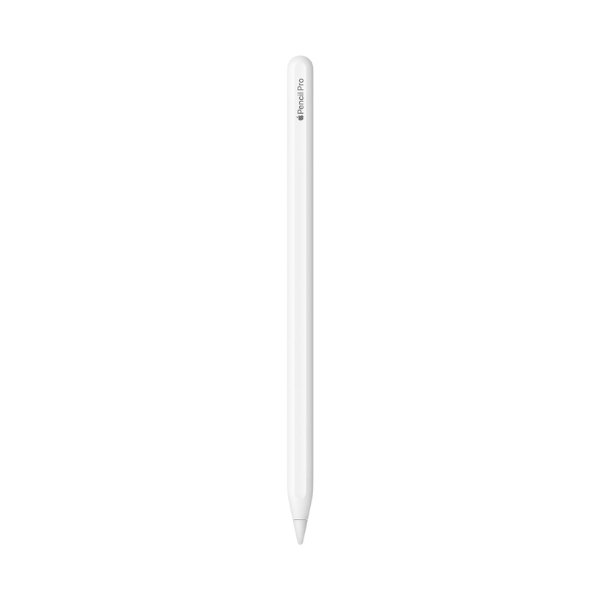
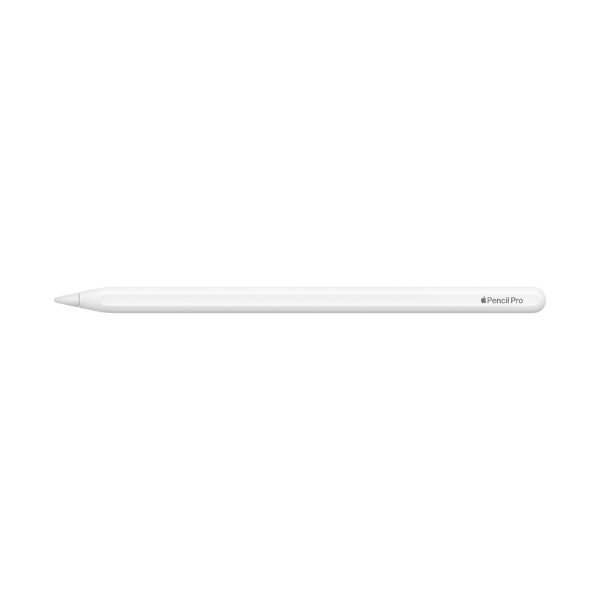
Apple Pencil Pro – The Most Advanced Apple Pencil in Kenya
Looking to buy Apple Pencil Pro in Kenya? You’re in the right place. The Apple Pencil Pro delivers unmatched precision for creatives, students, and professionals. If you want to elevate your iPad experience, buy Apple Pencil Pro in Kenya from a trusted store like Apple Village.
Key Features
- Haptic feedback for a more intuitive drawing experience
- Squeeze gesture to quickly change tools and settings
- Magnetic attachment and wireless charging for convenience
- Pixel-perfect precision with low latency for smooth input
- Tilt and pressure sensitivity for dynamic strokes and shading
Revolutionary Drawing and Writing Experience
The Apple Pencil Pro introduces squeeze gestures and haptic feedback, making digital sketching, note-taking, and designing feel more natural than ever. These new features offer better control and customization for professionals and creatives.
Seamless Wireless Charging and Magnetic Storage
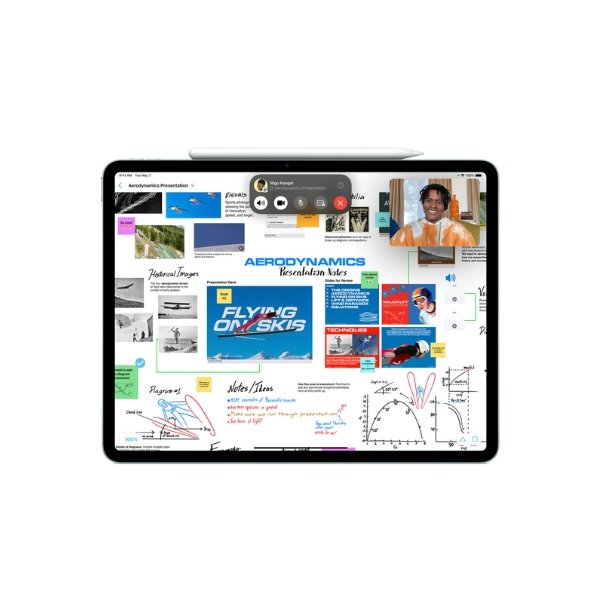
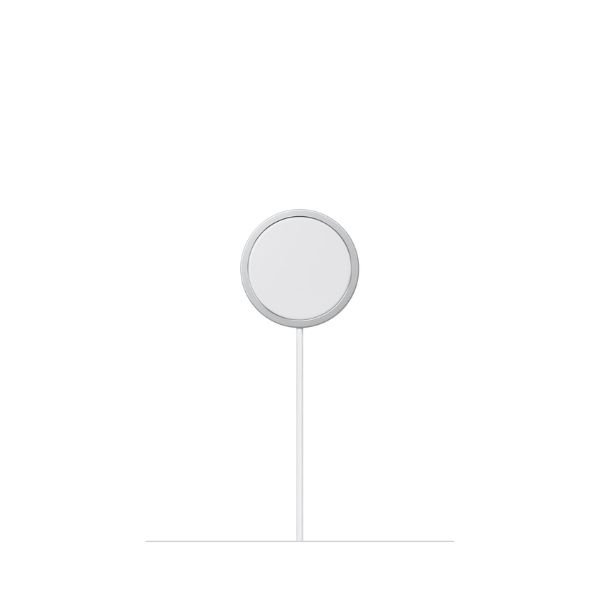
The Apple Pencil Pro charges wirelessly when attached to the side of compatible iPads, ensuring easy access and storage without cables.
Tilt and Pressure Sensitivity for Precise Control
With advanced tilt and pressure recognition, users can create detailed illustrations, handwritten notes, and professional-grade artwork effortlessly.
What’s In The Box
- Apple Pencil Pro
- User manual
Advanced Features for Unmatched Performance
Precision and Responsiveness
The Apple Pencil Pro is engineered for flawless precision and low latency, making it the ultimate tool for digital art, note-taking, and precision tasks. The advanced sensors built into the stylus allow for immediate feedback, so every stroke and tap is instantly reflected on the screen without delay. This creates a natural drawing experience where you can work as quickly and fluidly as you would with traditional media like pen and paper.
Tilt and Pressure Sensitivity
The tilt sensitivity allows you to draw at any angle, making it ideal for a wide range of artistic techniques. Whether you’re sketching, shading, or creating fine details, you can adjust the angle of your pencil to achieve the perfect effect. The pressure sensitivity further enhances this feature, allowing you to control the thickness of your lines, making it the perfect tool for artists who want to express themselves digitally.
Magnetic Attachment and Charging
The Apple Pencil Pro attaches magnetically to the side of compatible iPads, allowing it to charge wirelessly and stay securely in place when not in use. This design eliminates the need for charging cables or extra accessories, keeping your workspace tidy and organized. Additionally, the magnetic attachment ensures that your Pencil Pro is always within reach, so you never have to worry about losing it.
Specifications
| Specification | Details |
|---|---|
| Compatibility | iPads with magnetic charging support |
| Connectivity | Bluetooth |
| Charging Method | Wireless (Magnetic attachment to iPad) |
| Pressure Sensitivity | Yes |
| Tilt Function | Yes |
| Haptic Feedback | Yes |
| Gestures | Squeeze for tool switching |
| Latency | Ultra-low for real-time response |
| Weight | 20.7g |
Verdict
The Apple Pencil Pro is the most advanced stylus for iPad users, offering haptic feedback, gesture control, and wireless charging. Designed for professional artists, designers, and creatives, it provides unmatched precision and responsiveness. At Ksh 19,000, it is the best Apple Pencil for those who demand top-tier performance.
FAQs
-
Is the Pencil Pro compatible with all iPads?
No, it only works with iPads that support magnetic charging. -
How do I charge the Apple Pencil Pro?
It charges wirelessly when attached magnetically to the iPad. -
Does the Pencil Pro support palm rejection?
Yes, it works with compatible iPads to ignore unintended palm touches. -
What is the squeeze gesture used for?
The squeeze feature allows users to quickly switch tools and access shortcuts. -
How long does the battery last?
A full charge provides up to 12 hours of continuous use. -
Can I replace the tip?
Yes, replacement tips are available separately. -
Is it good for professional artists?
Yes, the haptic feedback, pressure sensitivity, and tilt recognition make it ideal for digital art and design. -
Does the Pencil Pro work with iPhones?
No, it is designed exclusively for iPads. -
How is the Pencil Pro different from the 2nd Gen model?
The Pro version includes haptic feedback, squeeze gestures, and improved performance, while the 2nd Gen lacks these features. -
Can I use the Apple Pencil Pro with older iPads?
No, it is only compatible with newer iPads that support magnetic charging.
Looking for a different product? Check out more Apple Accessories here.
 No products in the cart.