
Microsoft Surface Pro 12 Keyboard with Slim Pen – Portable Productivity in Kenya
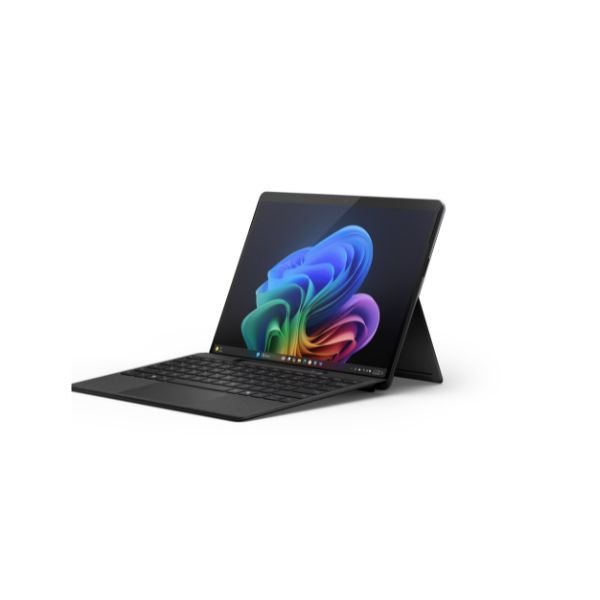
Microsoft surface pro 12 keyboard with pen delivers a seamless blend of productivity, portability, and creative flexibility for modern users. This advanced keyboard accessory transforms your surface device into a powerful laptop experience while also unlocking precision writing and drawing with the integrated slim pen.
This microsoft surface pro 12 keyboard with slim pen stands out as a premium accessory designed for professionals, students, and creatives who demand both typing efficiency and stylus accuracy. It combines a responsive keyboard, a spacious trackpad, and a secure pen storage system in one compact design.
Moreover, it enhances everyday tasks such as typing documents, browsing, sketching, and note taking. As a result, users enjoy a complete computing experience without needing additional accessories.
| Attribute | Specification |
| Keyboard Dimensions | Length: 11 inch (276 mm), Width: 7.54 inch (192 mm), Height: 0.27 inch (6.80 mm) |
| Keyboard Weight | 0.75 lbs (340 g) |
| Slim Pen Dimensions | Length: 5.38 inch (136.8 mm), Width: 0.44 inch (11.3 mm), Height: 0.25 inch (6.3 mm) |
| Slim Pen Weight | 0.03 lbs (13 g) |
| Accessibility Features | Precision touchpad with adaptive touch mode, Optional bold keyset |
| Sustainability | 73% recycled content in wood-based fiber packaging, Paper-based packaging minimizing plastic use, 100% virgin paper from responsibly managed forests |
| Keyboard Activation | Moving (mechanical) keys |
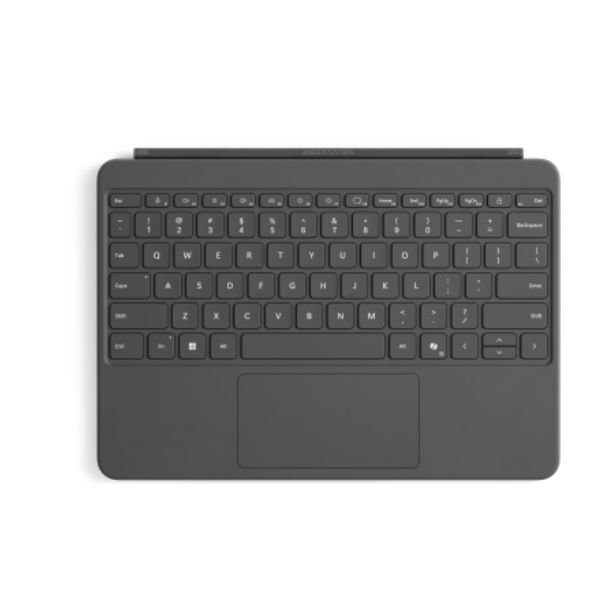
| Keyboard Layout | English layout with full row of function keys (F1 – F12) |
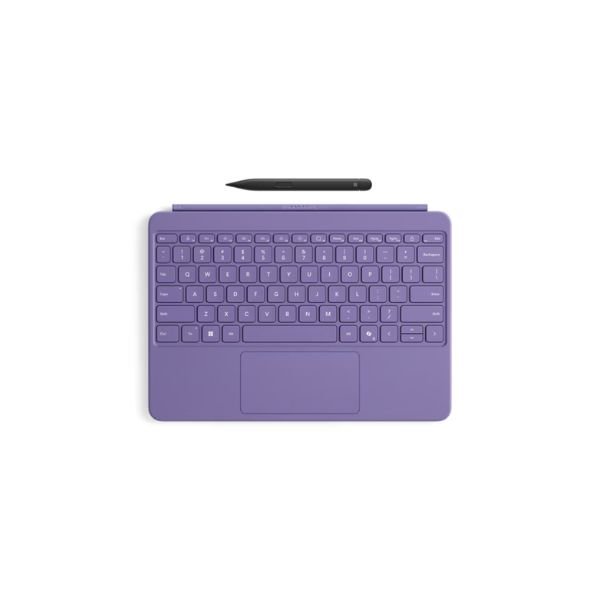
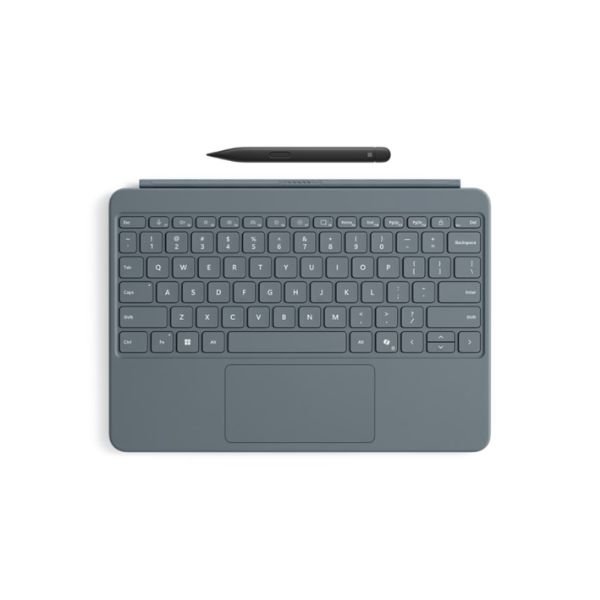
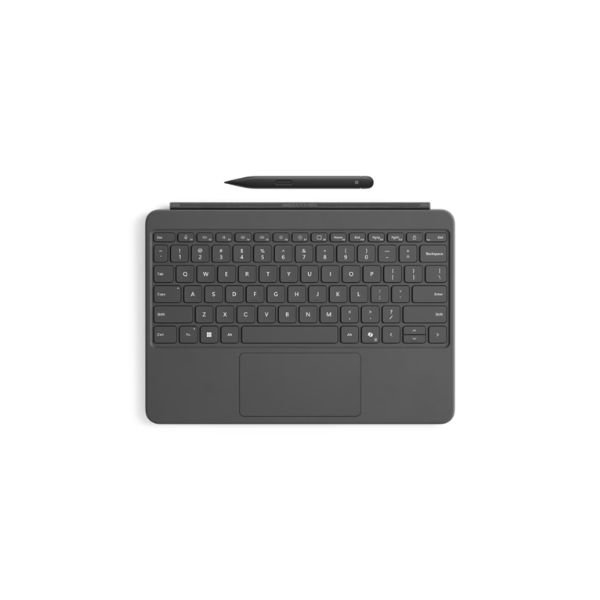
| Dedicated Keys | Copilot, microphone mute, snipping, Windows shortcuts, media controls, screen brightness, lock key |
| Touchpad | Precision touchpad |
| Backlight | Yes |
| Interface | Magnetic attach |
| Hinge | Dynamic hinge made of Alcantara fabric that flexes 360 degrees |
| Sensors | Accelerometer |
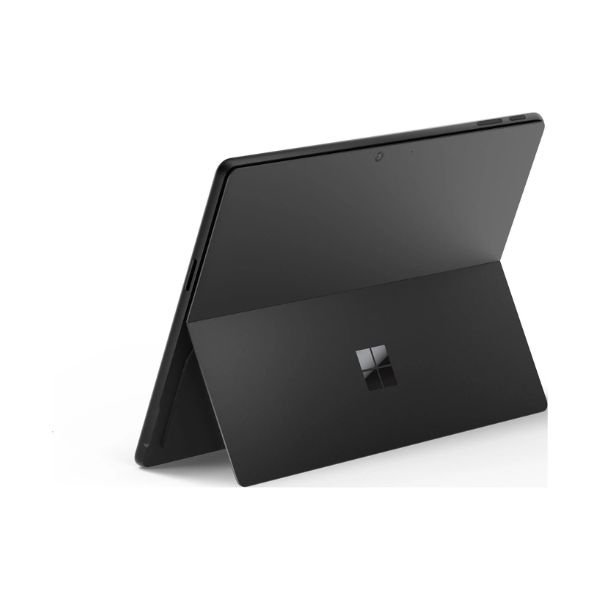
| Keyboard Material | Smooth-matte palm rest, Alcantara back cover |
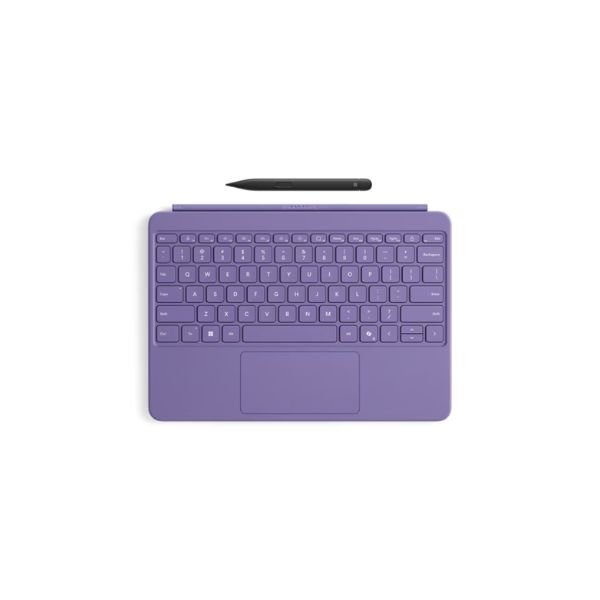
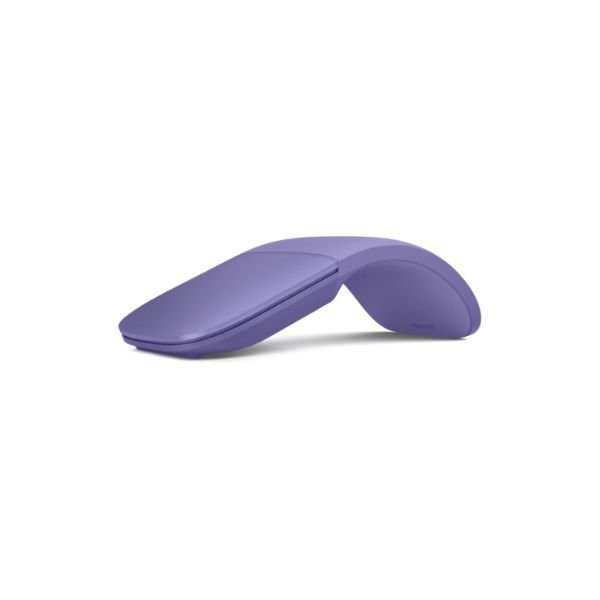
| Keyboard Colors | Slate, Ocean, Violet |
| Slim Pen Material | Plastic enclosure |
| Slim Pen Color | Matte Black |
| Slim Pen Buttons | Side button, top button with eraser functionality |
| Haptic Feedback | Supported on Slim Pen buttons, compatible with Windows 11 |
| Pressure Sensitivity | 4,096 pressure levels, zero force inking |
| Battery Type | Rechargeable Lithium Ion |
| Battery Life | Up to 15 hours of typical usage |
| Battery Capacity | Nominal: 0.171 Wh, Minimum: 0.164 Wh |
| What’s in the Box | Surface Pro 12-inch Keyboard, Surface Slim Pen (2nd Edition), Quick Start Guide |
| Warranty | 1-year limited hardware warranty |
DESIGN AND BUILD QUALITY OF MICROSOFT SURFACE KEYBOARD WITH PEN
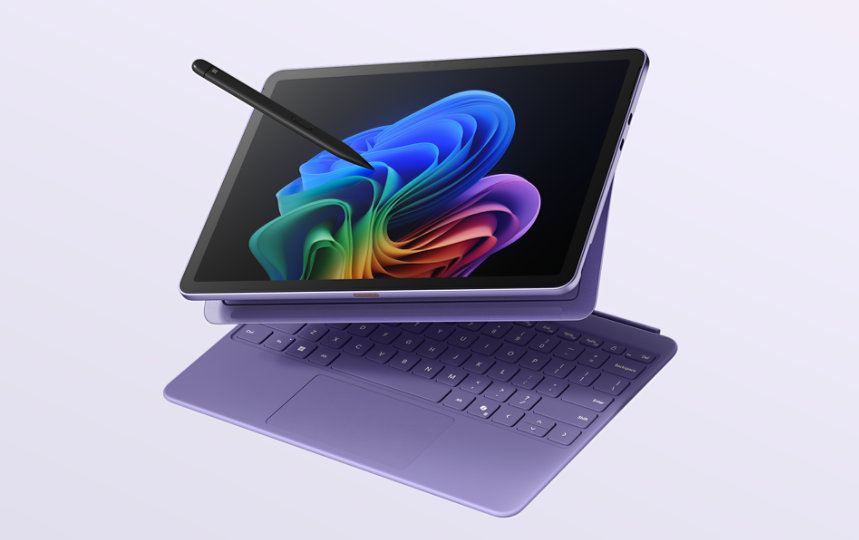
Premium materials and elegant finish
Microsoft surface pro 12 keyboard with pen features a refined design that complements the sleek look of surface devices. It uses high quality materials that feel durable and comfortable during daily use.
The outer fabric finish provides a soft touch while maintaining resistance to wear and tear. Additionally, the slim profile ensures that it remains lightweight and easy to carry.
Slim and portable keyboard design
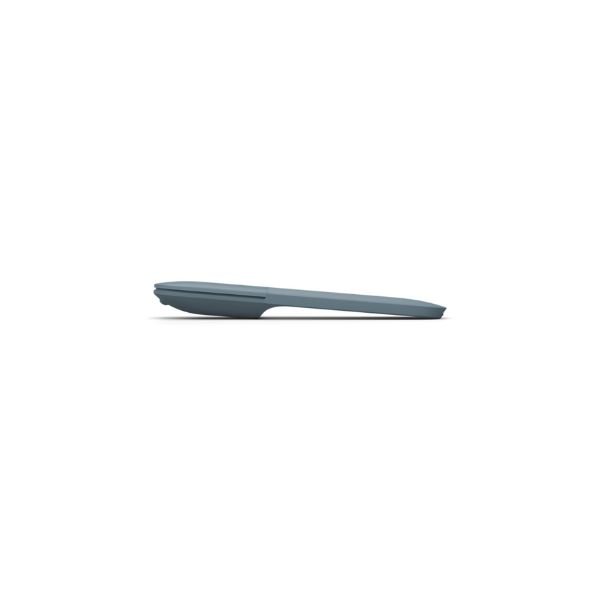
This surface pro keyboard maintains a thin and compact structure. Therefore, users can easily attach and detach it without adding bulk to their device.
Furthermore, the magnetic connection system allows for quick setup. You simply snap it into place and start working immediately.
Integrated pen storage and charging
One of the most notable design elements is the built in slot for the slim pen. This storage area securely holds the pen and keeps it protected when not in use.
At the same time, it charges the pen automatically. Consequently, users do not have to worry about battery life or carrying extra chargers.
KEYBOARD PERFORMANCE AND TYPING EXPERIENCE
Responsive keys for efficient typing
Microsoft surface pro 12 keyboard offers a highly responsive typing experience. The keys provide good travel and tactile feedback, which makes typing comfortable for long hours.
Additionally, the spacing between keys helps reduce typing errors. As a result, users can type faster and more accurately.
Backlit keyboard for low light environments
The keyboard includes adjustable backlighting. Therefore, you can work comfortably in dim environments such as airplanes or late night settings.
Moreover, the lighting enhances visibility without being too harsh on the eyes.
Improved typing productivity
This keyboard improves productivity by offering a laptop like typing experience. It supports quick typing for emails, documents, and coding tasks.
In addition, the stable base reduces wobbling. This ensures that each keystroke feels precise and controlled.
TRACKPAD FUNCTIONALITY AND NAVIGATION
Large precision trackpad performance
Microsoft surface keyboard with pen includes a large precision trackpad. It supports multi touch gestures for navigation, zooming, and switching between applications.
Furthermore, the trackpad responds accurately to finger movements. This allows smooth scrolling and precise cursor control.
Enhanced gesture support
Users can perform gestures such as pinch to zoom, two finger scrolling, and three finger switching. Therefore, navigation becomes faster and more intuitive.
Additionally, these gestures reduce reliance on external mice.
Smooth and responsive surface
The trackpad surface feels smooth and comfortable. As a result, users enjoy effortless navigation without friction.
Moreover, the responsiveness ensures that even subtle movements are detected accurately.
SURFACE SLIM PEN PERFORMANCE AND FEATURES
Precision writing and drawing capabilities
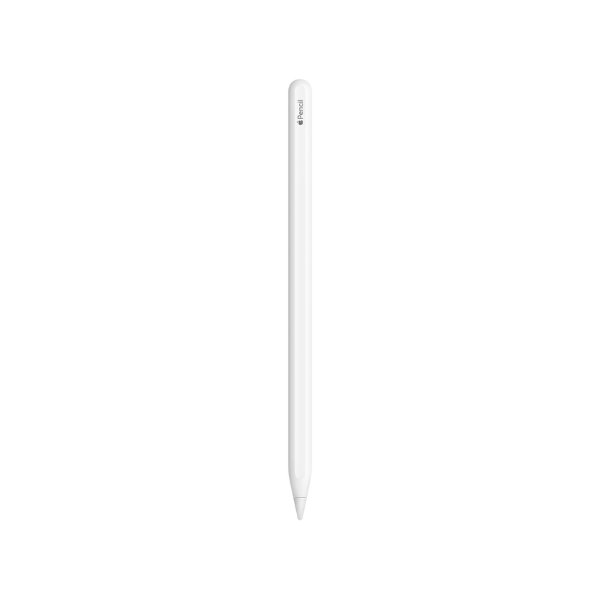
Microsoft surface pro 12 keyboard with slim pen includes a high precision stylus designed for writing and drawing. It delivers natural ink like performance that mimics pen on paper.
Additionally, it offers excellent pressure sensitivity. Therefore, artists can create detailed sketches and designers can work with precision.
Low latency and fast response
The slim pen responds quickly to input. As a result, users experience minimal delay when writing or drawing.
This feature improves overall productivity, especially for note taking and creative work.
Comfortable pen design
The slim pen features an ergonomic design that fits comfortably in hand. It allows extended use without causing fatigue.
Moreover, its lightweight structure ensures easy handling during long sessions.
Seamless integration with keyboard
The pen integrates perfectly with the keyboard. It charges automatically and stays securely in place.
Therefore, users always have access to a ready to use stylus.
CONNECTIVITY AND COMPATIBILITY FEATURES
Magnetic attachment system
Microsoft surface pro keyboard connects magnetically to compatible devices. This ensures a secure and stable connection.
Additionally, it allows quick detachment when switching to tablet mode.
Wide compatibility with surface devices
This keyboard works with selected surface pro models. Therefore, users can upgrade their experience without changing their device.
Moreover, it maintains full functionality across supported models.
Instant pairing and setup
The keyboard does not require complicated setup. Once attached, it works immediately.
As a result, users save time and focus on productivity.
PORTABILITY AND EVERYDAY USABILITY
Lightweight and travel friendly design
Microsoft surface pro 12 keyboard with pen is lightweight and easy to carry. It fits perfectly in bags without adding extra weight.
Therefore, it becomes an ideal accessory for people who work on the go.
Versatile usage modes
Users can switch between laptop mode and tablet mode easily. This flexibility enhances usability in different scenarios.
For example, you can type emails in laptop mode and sketch ideas in tablet mode.
Durability for daily use
The keyboard is designed to withstand daily usage. It resists wear while maintaining its premium feel.
Additionally, the sturdy construction ensures long term reliability.
BATTERY AND POWER MANAGEMENT FOR SLIM PEN
Automatic charging system
The slim pen charges automatically when stored in the keyboard. Therefore, users do not need separate charging cables.
This feature ensures that the pen remains ready at all times.
Efficient battery usage
The pen offers efficient power consumption. As a result, it provides long usage time between charges.
Moreover, the automatic charging feature eliminates downtime.
Reliable performance during extended use
Users can rely on consistent performance during long working sessions. The pen maintains responsiveness without interruptions.
PRODUCTIVITY AND CREATIVE USE CASES
Ideal for professionals and students
Microsoft surface keyboard with pen suits professionals who need efficient typing and quick note taking.
Students also benefit from its ability to take handwritten notes and type assignments.
Perfect for creatives and designers
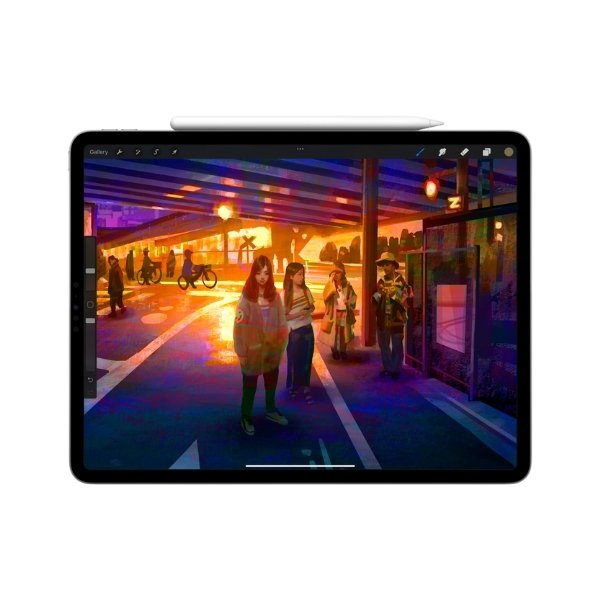
The slim pen enables precise drawing and sketching. Therefore, artists and designers can create detailed work directly on their device.
Additionally, the keyboard allows quick switching between typing and drawing.
Enhanced multitasking capabilities
Users can type, draw, and navigate seamlessly. This improves multitasking efficiency.
Moreover, the integration of keyboard and pen eliminates the need for multiple accessories.
ERGONOMICS AND USER COMFORT
Comfortable typing angle
The keyboard supports an adjustable angle that improves typing posture. As a result, users experience less strain on their wrists.
Soft touch surface for better feel
The fabric surface provides a comfortable resting area for hands. Therefore, long typing sessions feel less tiring.
Balanced weight distribution
The design ensures stability during use. Consequently, the keyboard stays steady on various surfaces.
SECURITY AND PROTECTION FEATURES
Secure pen storage
The built in slot keeps the slim pen safe. This reduces the risk of losing the pen.
Protective cover for device screen
When closed, the keyboard acts as a protective cover. It shields the screen from scratches and dust.
Strong magnetic closure
The magnetic closure keeps the keyboard firmly attached. Therefore, it prevents accidental detachment.
ADVANCED FEATURES AND SMART FUNCTIONALITY
Instant wake and sleep functionality
Opening the keyboard wakes the device instantly. Closing it puts the device to sleep.
This feature saves time and improves efficiency.
Optimized for touch and pen input
The keyboard complements touch and pen input. Therefore, users can interact with their device in multiple ways.
Seamless switching between tasks
Users can move from typing to drawing without interruptions. This enhances workflow continuity.
COMPARISON WITH STANDARD KEYBOARDS
Enhanced functionality with integrated pen
Unlike standard keyboards, this model includes a slim pen. Therefore, it offers additional functionality for creative tasks.
Better portability and design integration
This keyboard integrates perfectly with surface devices. As a result, it provides a cleaner and more efficient setup.
Improved productivity features
It combines typing, navigation, and drawing in one accessory. This makes it more versatile than traditional keyboards.
USER EXPERIENCE AND OVERALL PERFORMANCE
Smooth and reliable performance
Users experience consistent performance across typing, navigation, and pen usage.
High satisfaction for daily tasks
The keyboard meets the needs of various users. It supports both work and creative activities.
Balanced combination of features
It offers a balance between design, functionality, and portability.
What Comes in the Box
- Microsoft Surface 12 Keyboard
- Surface Slim Pen
- Built-in charging tray for the pen
- User documentation
FAQs
1. What is the full product title of this accessory?
Microsoft Surface 12 Keyboard 1 Pack Elite Slim Pen.
2. Is the keyboard compatible with all Surface devices?
It is designed for specific Surface models, so compatibility depends on your device.
3. Does the keyboard require charging?
No, it draws power directly from the Surface device.
4. Can I use the Slim Pen for drawing?
Yes, it supports drawing, writing, and annotating with high precision.
5. Does the keyboard have backlit keys?
Yes, it features backlit keys for use in low-light conditions.
6. Is the Slim Pen rechargeable?
Yes, it charges automatically when stored in the keyboard.
7. Is this product suitable for students?
Yes, it is ideal for note-taking, typing, and studying.
8. Can I detach the keyboard easily?
Yes, it attaches magnetically and can be removed quickly.
9. Is it portable for travel?
Yes, its slim and lightweight design makes it travel-friendly.
10. Where can I buy it in Kenya?
You can purchase it from authorized Microsoft retailers and online stores in Kenya.
 No products in the cart.