
Microsoft Surface 12 Keyboard 1-Pack Ultimate Typing
Introduction to the Microsoft Surface 12 Keyboard
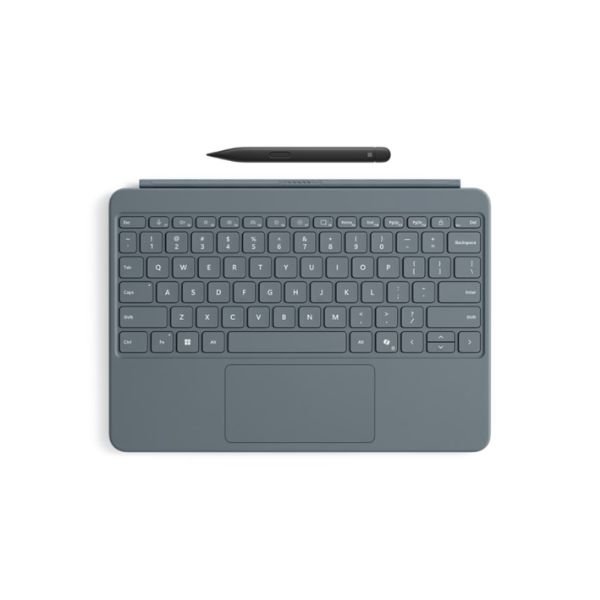
The Microsoft Surface 12 Keyboard is designed to transform your Surface device into a powerful productivity tool. Built with precision and engineered for comfort, this keyboard delivers a smooth typing experience, making it ideal for professionals, students, and everyday users in Kenya. Whether you are working remotely, attending online classes, or managing business tasks, this keyboard enhances efficiency and convenience.
Moreover, its lightweight and slim design make it easy to carry, ensuring you stay productive wherever you go. With seamless integration into the Surface ecosystem, it offers reliability and performance that meets modern computing demands.
Premium Design and Build Quality
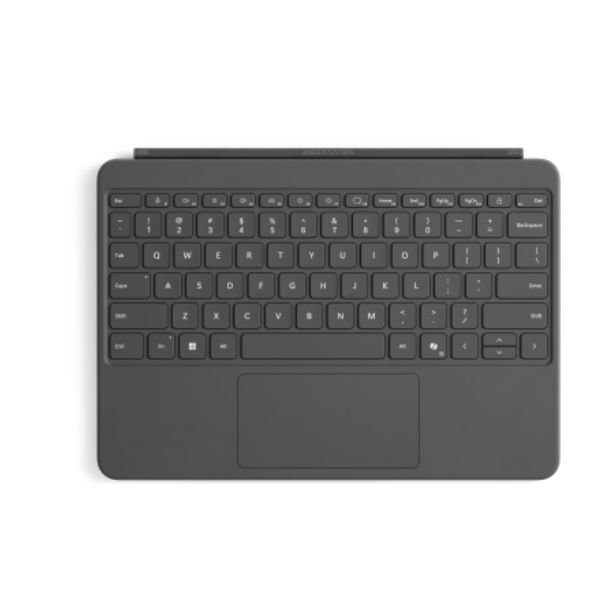
Microsoft has crafted the Surface 12 Keyboard with a focus on durability and elegance. The keyboard features high-quality materials that not only provide a premium feel but also ensure long-lasting use.
Additionally, the slim profile complements your Surface device perfectly, maintaining a sleek and professional appearance. The soft-touch finish enhances comfort during extended typing sessions, while the sturdy hinge mechanism ensures stability when attached.
Exceptional Typing Experience
Typing on the Microsoft Surface 12 Keyboard feels natural and responsive. The keys are well-spaced, allowing for accurate typing with minimal errors.
Furthermore, the optimized key travel provides tactile feedback, making each keystroke satisfying. This makes it suitable for long hours of work, whether you are drafting documents, coding, or chatting.
Seamless Compatibility and Integration
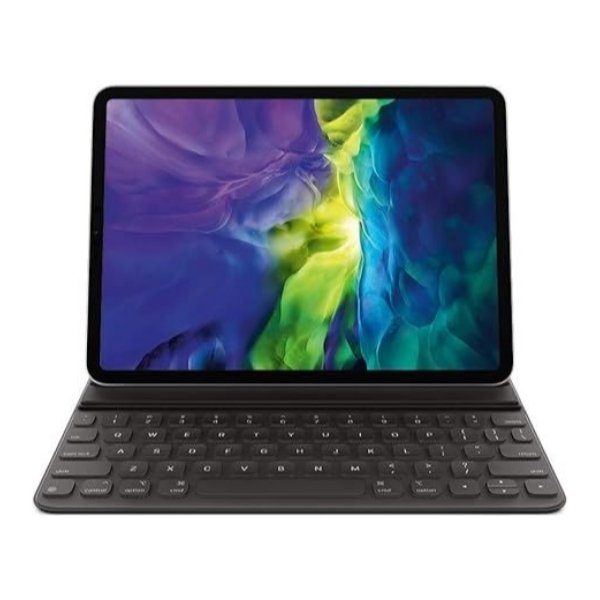
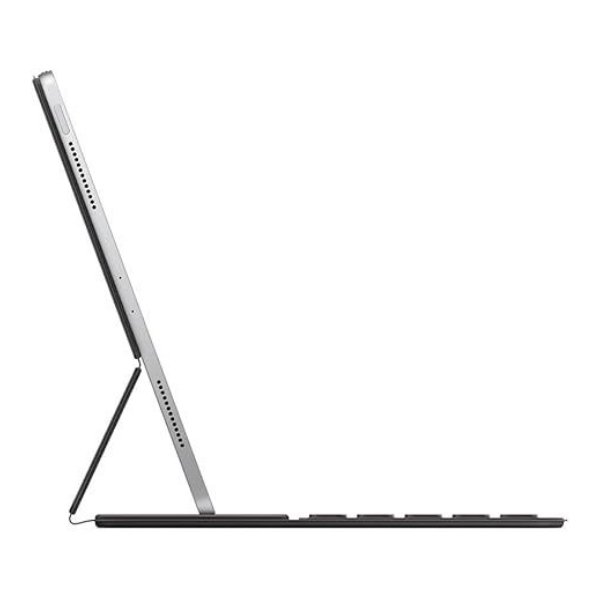
The Surface 12 Keyboard integrates effortlessly with compatible Surface devices. Once attached, it instantly transforms your tablet into a laptop-like setup.
In addition, it supports various productivity features, enabling smooth navigation and multitasking. This ensures that users experience minimal interruptions while working.
Connectivity and Performance
This keyboard connects directly to your Surface device without requiring additional cables or pairing processes.
As a result, you enjoy a reliable and stable connection every time. It also ensures low latency, which is essential for efficient typing and navigation.
Portability and Convenience
One of the standout features of the Microsoft Surface 12 Keyboard is its portability. The lightweight design makes it easy to carry in a backpack or laptop bag.
Additionally, it acts as a protective cover for your Surface device when closed. This dual functionality adds value, making it a practical accessory for users on the move.
Enhanced Productivity Features
The keyboard includes shortcut keys that allow you to perform tasks quickly and efficiently. From adjusting volume to controlling brightness, everything is within reach.
Moreover, the responsive trackpad supports multi-touch gestures, enabling smooth scrolling, zooming, and navigation. This enhances productivity, especially when working on detailed tasks.
Durability and Longevity
Microsoft ensures that the Surface 12 Keyboard meets high standards of durability. The materials used resist wear and tear, ensuring the keyboard remains in excellent condition over time.
Furthermore, the keys are designed to withstand frequent usage, making it ideal for both personal and professional environments.
Energy Efficiency
Since the keyboard draws power directly from the Surface device, it eliminates the need for separate charging. This ensures energy efficiency and reduces the hassle of managing multiple devices.
What Comes in the Box
- Microsoft Surface 12 Keyboard
- User documentation/manual
- Warranty information
FAQs
1. Is the Microsoft Surface 12 Keyboard compatible with all Surface devices?
No, it is designed for specific Surface models. Always check compatibility before purchasing.
2. Does the keyboard have backlit keys?
Yes, most Surface keyboards include backlighting for comfortable typing in low-light conditions.
3. Can I use the keyboard without attaching it physically?
No, it is designed to connect directly to the Surface device via the dedicated connector.
4. Is the keyboard waterproof?
No, it is not waterproof. Avoid exposure to liquids to maintain durability.
5. Does it include a touchpad?
Yes, it features a responsive touchpad with multi-touch gesture support.
6. What is the model number of this keyboard?
The model number varies depending on the region and version, but it falls under the Surface Keyboard lineup.
7. Is it suitable for gaming?
While it supports basic gaming, it is primarily designed for productivity and general use.
8. Does it require charging?
No, it draws power directly from the Surface device.
9. Can I detach and use it separately?
Yes, it can be detached, but it works only when connected to a compatible Surface device.
10. Where can I buy the Microsoft Surface 12 Keyboard in Kenya?
You can purchase it from authorized Microsoft resellers and trusted online stores in Kenya.
 No products in the cart.