
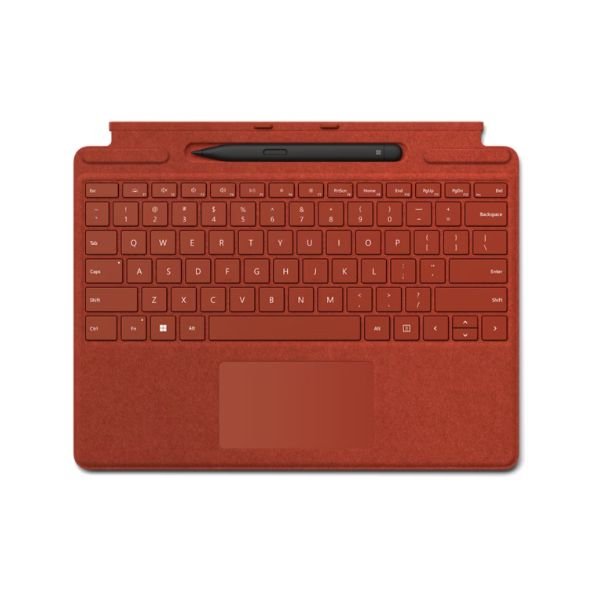
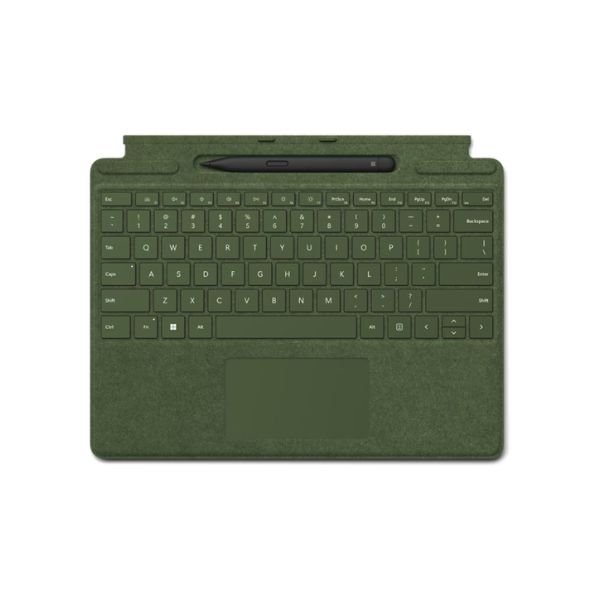
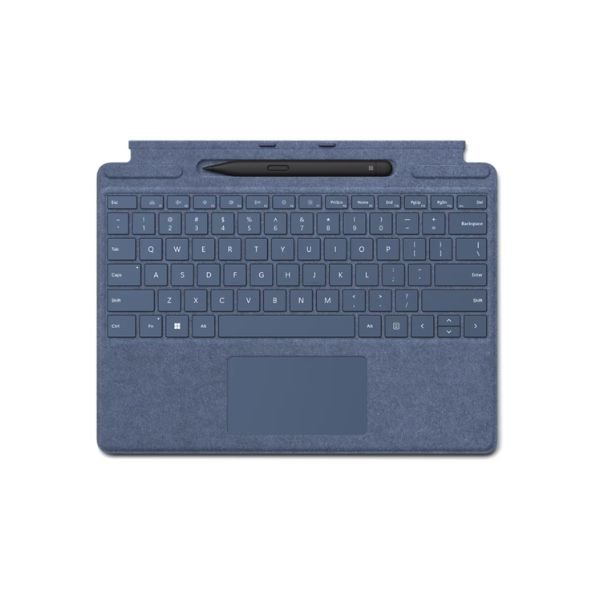
Microsoft Surface Pro Signature Keyboard with Slim Pen – Premium Productivity Powerhouse
The Microsoft Surface Keyboard with Slim Pen is a premium productivity accessory designed specifically for Surface Pro 9, 10, and 11 devices. This versatile combo transforms your tablet into a powerful laptop-like workstation while also enabling precise digital inking. Whether you are working, studying, or creating, this keyboard and pen bundle delivers efficiency, comfort, and flexibility.
| Attribute | Specification |
| Compatibility | Surface Pro Signature Keyboard: Surface Pro 9, Surface Pro 8, Surface Pro X Surface Slim Pen: Surface Laptop Studio, Surface Pro 8, Surface Pro 9, Surface Pro X, Surface Duo 2, Surface Hub 2S, Surface Slim Pen Tips, Surface Slim Pen Charger |
| Dimensions | Surface Pro Signature Keyboard: 289.1 x 226.1 x 4.89 mm (11.38 x 8.90 x 0.19 inches) Surface Slim Pen: 136.8 x 11.3 x 6.3 mm (5.38 x 0.44 x 0.25 inches) |
| Weight | Surface Pro Signature Keyboard with Slim Pen: 294 g (0.65 lbs) Surface Pro Signature Keyboard: 281 g (0.62 lbs) Surface Slim Pen: 13 g (0.03 lbs) |
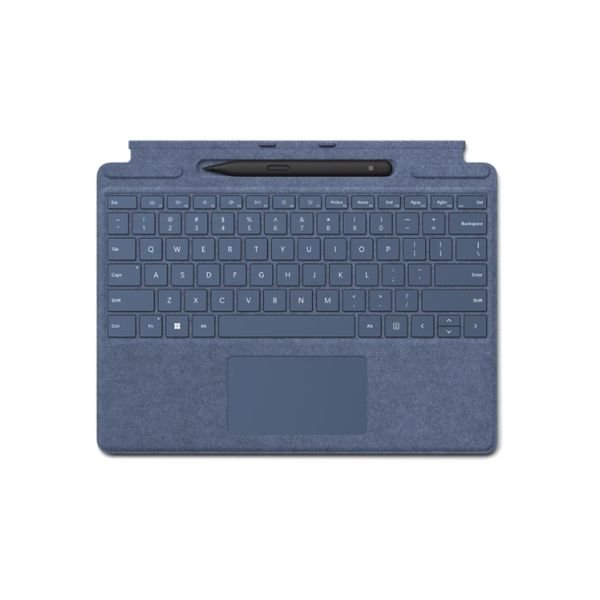
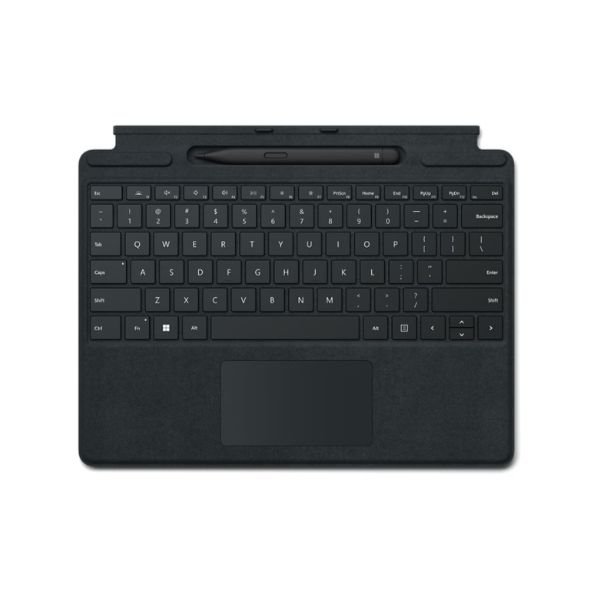
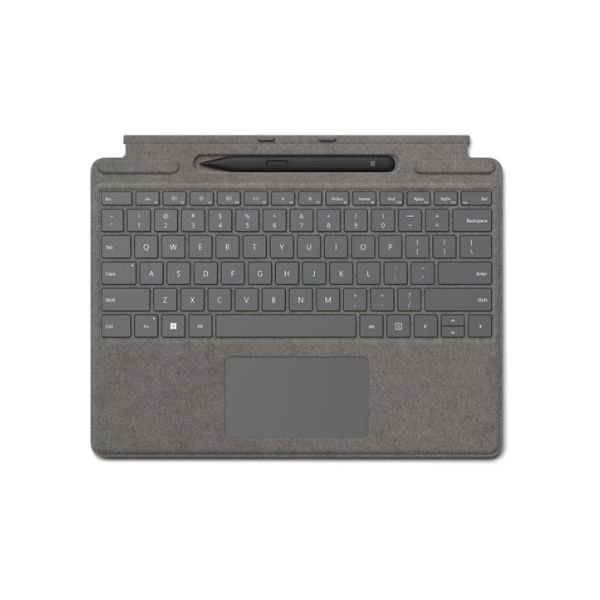
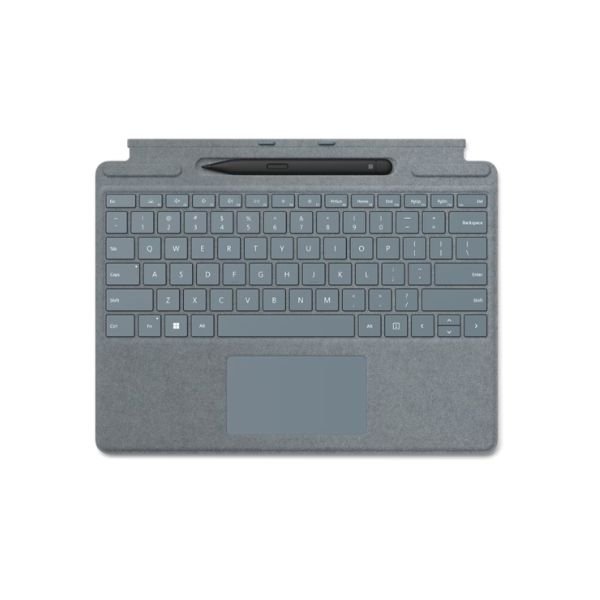
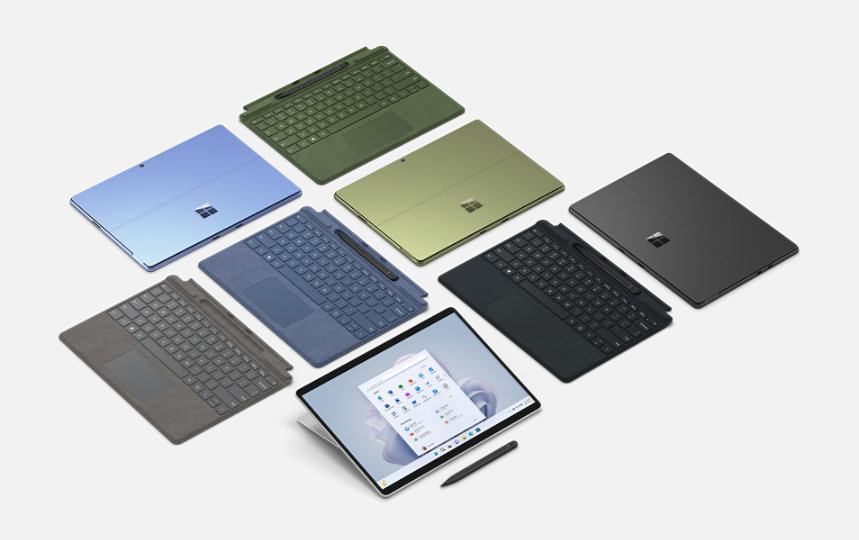
| Exterior | Surface Pro Signature Keyboard: Alcantara material; Colours: Sapphire, Forest, Platinum, Poppy Red, Black Surface Slim Pen: Matte Black plastic enclosure |
| Connections | Surface Slim Pen: Bluetooth Wireless 5.0 Technology |
| Interface | Surface Pro Signature Keyboard: Magnetic |
| Pen Integration | Surface Slim Pen storage and charging within keyboard |
| Keys | Mechanical moving keys; QWERTY US layout; Full function row F1 to F12; Dedicated Windows shortcuts, media controls, brightness controls; Right-click button |
| Sensors | Accelerometer |
| Buttons | Surface Slim Pen: Side button and top button with eraser functionality |
| Tactile Signals | Haptic feedback supported on Surface Pro 8, Surface Pro 9, and Surface Laptop Studio with Windows 11 |
| Pressure and Sensitivity | 4096 pressure levels; Zero force inking |
| Battery | Rechargeable Lithium Ion; Up to 15 hours of typical usage |
| Battery Capacities | Nominal: 0.171 Wh; Minimum: 0.164 Wh |
Sleek Design and Premium Build Quality
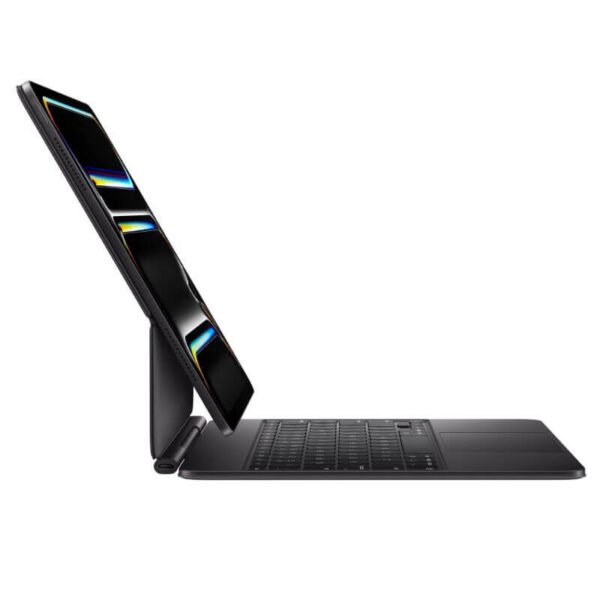
Microsoft has crafted this keyboard with elegance and durability in mind. The exterior features a soft Alcantara material that feels luxurious while resisting wear. In addition, the keyboard remains lightweight and ultra-portable, making it perfect for professionals and students on the move in Kenya.
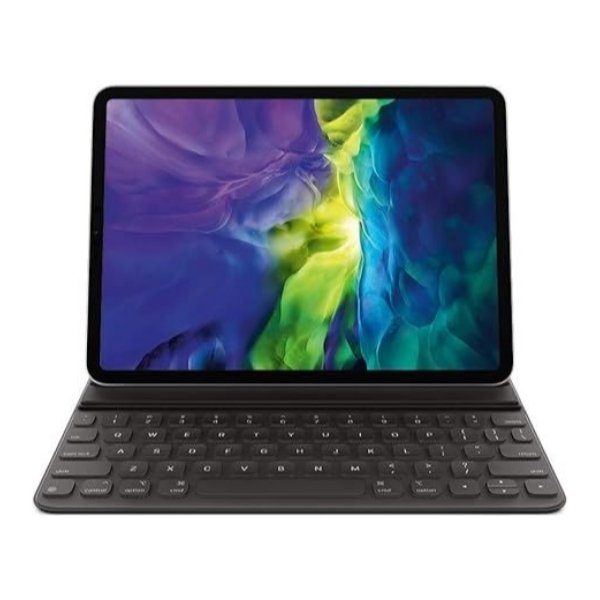
The Microsoft Surface Pro slim and compact design ensures that it fits seamlessly with your Surface Pro device. Moreover, the magnetic attachment allows for quick and secure connection, creating a stable typing experience.
Enhanced Typing Experience
Typing on the Microsoft Surface Pro Keyboard feels natural and responsive. The keys are well-spaced and provide optimal travel, which reduces fatigue during long working hours. Furthermore, the backlit keys allow you to work comfortably in low-light environments.
The Microsoft Surface Pro precision touchpad is large and highly responsive. It supports multi-touch gestures, allowing you to navigate your device efficiently without needing an external mouse.
Integrated Slim Pen Storage and Charging
One standout feature is the built-in storage slot for the Slim Pen. This slot not only keeps your pen secure but also charges it automatically when docked. As a result, you never have to worry about running out of battery while working.
This seamless integration enhances productivity because you always have your pen ready for quick notes, sketches, or annotations.
Precision Writing with Slim Pen
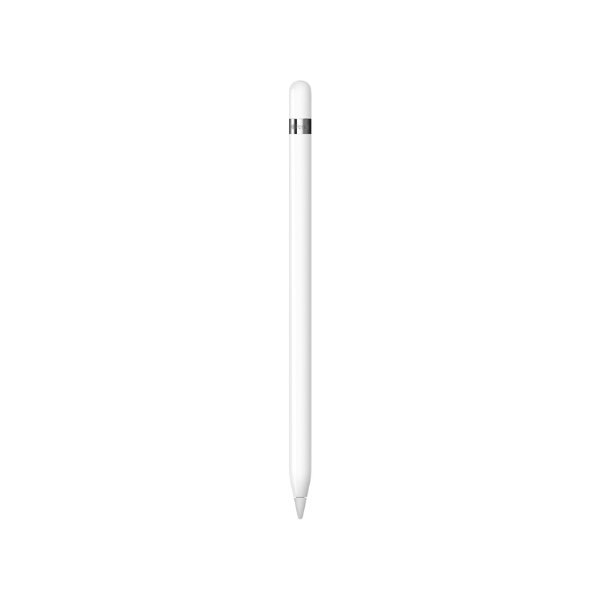
The Microsoft Surface Pro Slim Pen delivers a natural writing and drawing experience. It offers high precision, low latency, and excellent pressure sensitivity. Therefore, it feels like writing on paper.
In addition, the pen supports tilt functionality, which allows for shading and artistic effects. This makes it ideal for designers, artists, and students who need accurate input.
Compatibility with Surface Pro Devices
This Microsoft Surface Pro keyboard is specifically designed for Surface Pro 9, 10, and 11. It aligns perfectly with these devices, ensuring a snug fit and optimal performance.
Because of its compatibility, users enjoy seamless integration without needing additional setup. Simply attach the keyboard, and it is ready to use instantly.
Connectivity and Performance
The Microsoft Surface Pro keyboard connects directly through the Surface Pro interface, eliminating the need for Bluetooth pairing. This ensures a stable and lag-free connection.
The Slim Pen uses advanced wireless technology to communicate with your device. As a result, input remains fast and accurate, even during intensive tasks like drawing or note-taking.
Portability and Flexibility
This Microsoft Surface Pro accessory is designed for people who need mobility. The lightweight construction allows you to carry it anywhere with ease.
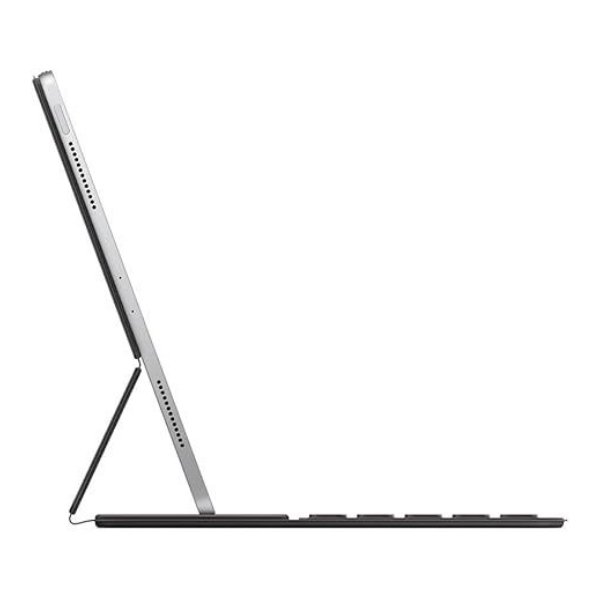
Additionally, the Microsoft Surface Pro keyboard can be folded back to switch into tablet mode. This flexibility makes it suitable for different use cases such as typing, drawing, or presenting.
Productivity and Smart Features
The Microsoft Surface Keyboard enhances productivity through its intuitive design. It supports quick access shortcuts, allowing you to perform tasks faster.
Moreover, the Microsoft Surface Pro Slim Pen enables features like handwriting recognition and note conversion. These capabilities help you stay organized and efficient throughout your day.
Build Materials and Durability
The combination of Alcantara fabric and high-quality internal components ensures long-lasting performance. The materials resist spills and wear, making the keyboard reliable for everyday use.
The Microsoft Surface Pro Slim Pen is also built with durability in mind. It withstands frequent use while maintaining consistent performance.
Energy Efficiency and Charging
The Microsoft Surface Pro keyboard draws power directly from the Surface Pro, so it does not require separate charging. Meanwhile, the Slim Pen charges automatically when placed in its storage slot.
This efficient power management system ensures that both devices remain ready for use at all times.
Privacy and Security Features
Since the Microsoft Surface Pro keyboard connects physically to your Surface device, it offers a secure and stable connection. There is no risk of unauthorized Bluetooth access.
Additionally, the pen does not store sensitive data, ensuring your information remains safe.
Price in Kenya
The Microsoft Surface Pro Keyboard with Slim Pen is positioned as a premium accessory. In Kenya, pricing may vary depending on the retailer, but it generally reflects its high-quality build and advanced features.
Warranty and Support
Microsoft provides reliable customer support and warranty coverage for this product. This ensures peace of mind for users investing in a premium accessory.
What Comes in the Box
- Microsoft Surface Keyboard (Signature Type Cover)
- Microsoft Slim Pen
- User documentation
- Warranty information
FAQs
1. Is this keyboard compatible with all Surface devices?
No, it is specifically designed for Surface Pro 9, 10, and 11.
2. Does the Slim Pen need separate charging?
No, it charges automatically when stored in the keyboard slot.
3. Can I use the keyboard without attaching it?
No, it must be physically connected to function.
4. Is the keyboard backlit?
Yes, it features backlit keys for use in low-light conditions.
5. Does the Slim Pen support pressure sensitivity?
Yes, it offers excellent pressure sensitivity for precise input.
6. Can I use the pen for drawing?
Yes, it is ideal for drawing, sketching, and note-taking.
7. Is the keyboard durable for daily use?
Yes, it is built with premium materials for long-term durability.
8. Does it support multi-touch gestures?
Yes, the touchpad supports advanced multi-touch gestures.
9. What is the main benefit of this combo?
It combines typing and inking in one compact, portable solution.
10. What is the full product name?
Microsoft Surface Keyboard with Slim Pen for Surface Pro 9/10/11.
 No products in the cart.